How do voice messages work in a printed book?
Voice messages from your export show up in the editor as a small player with a waveform, right where they were sent in the conversation.
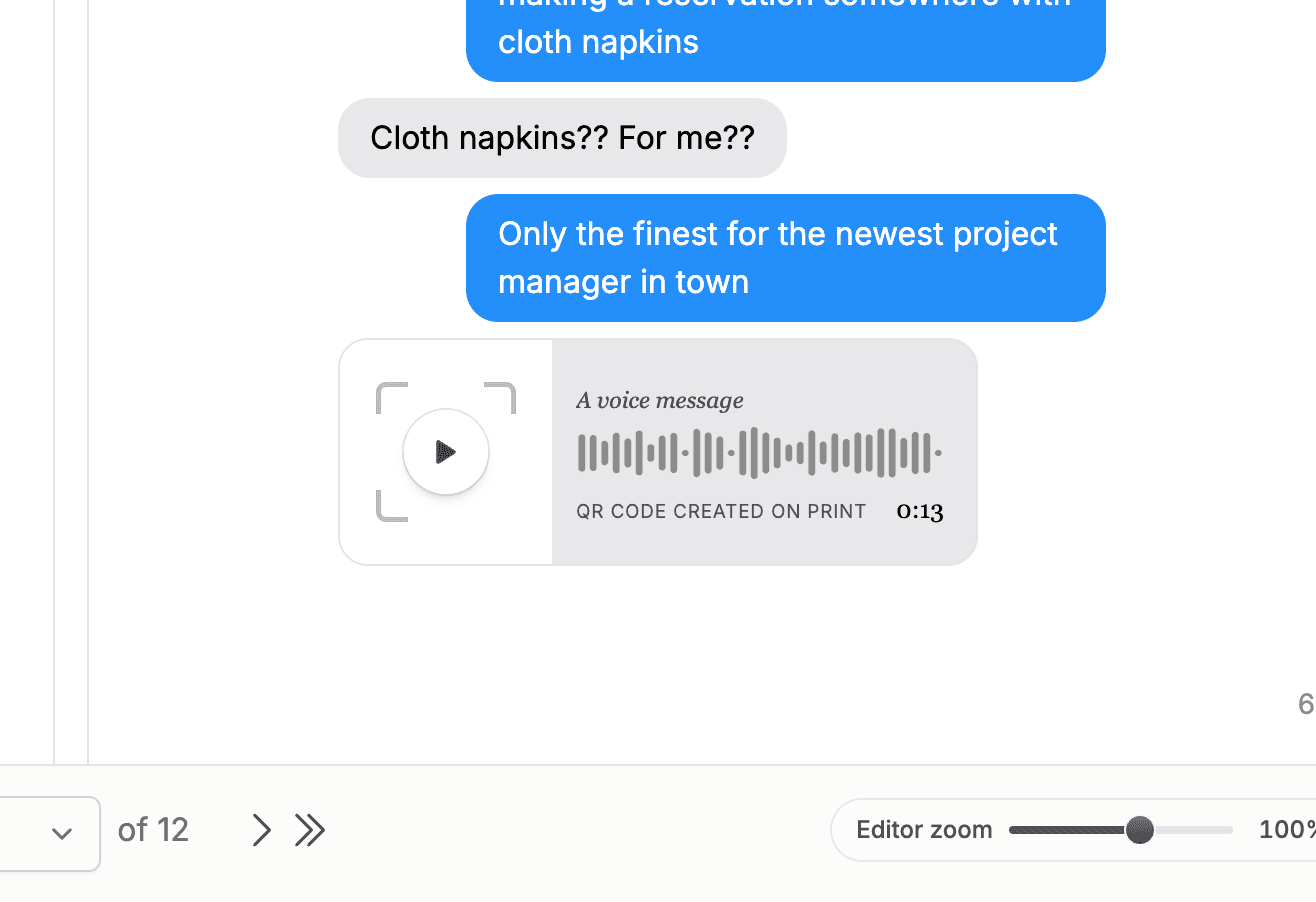
In the printed book, each recording becomes a QR code. Scan it with any phone camera and the recording plays, with the sender’s name shown. The caption under each recording reads "QR code created on print" until your book is generated, and "Scan to listen" once the code exists.
You can also add new recordings by hand: hover a message, click an insert arrow, and choose "Received voice" or "Sent voice".
Tip: Voice pages are free on every edition, and we host the audio forever so the codes never stop working.