How do I add or remove reactions?
Reactions from your chat come through with the import. You can also add or change them in the editor.
- 1
Hover over a message bubble. A small smile button appears at its bottom corner.
- 2
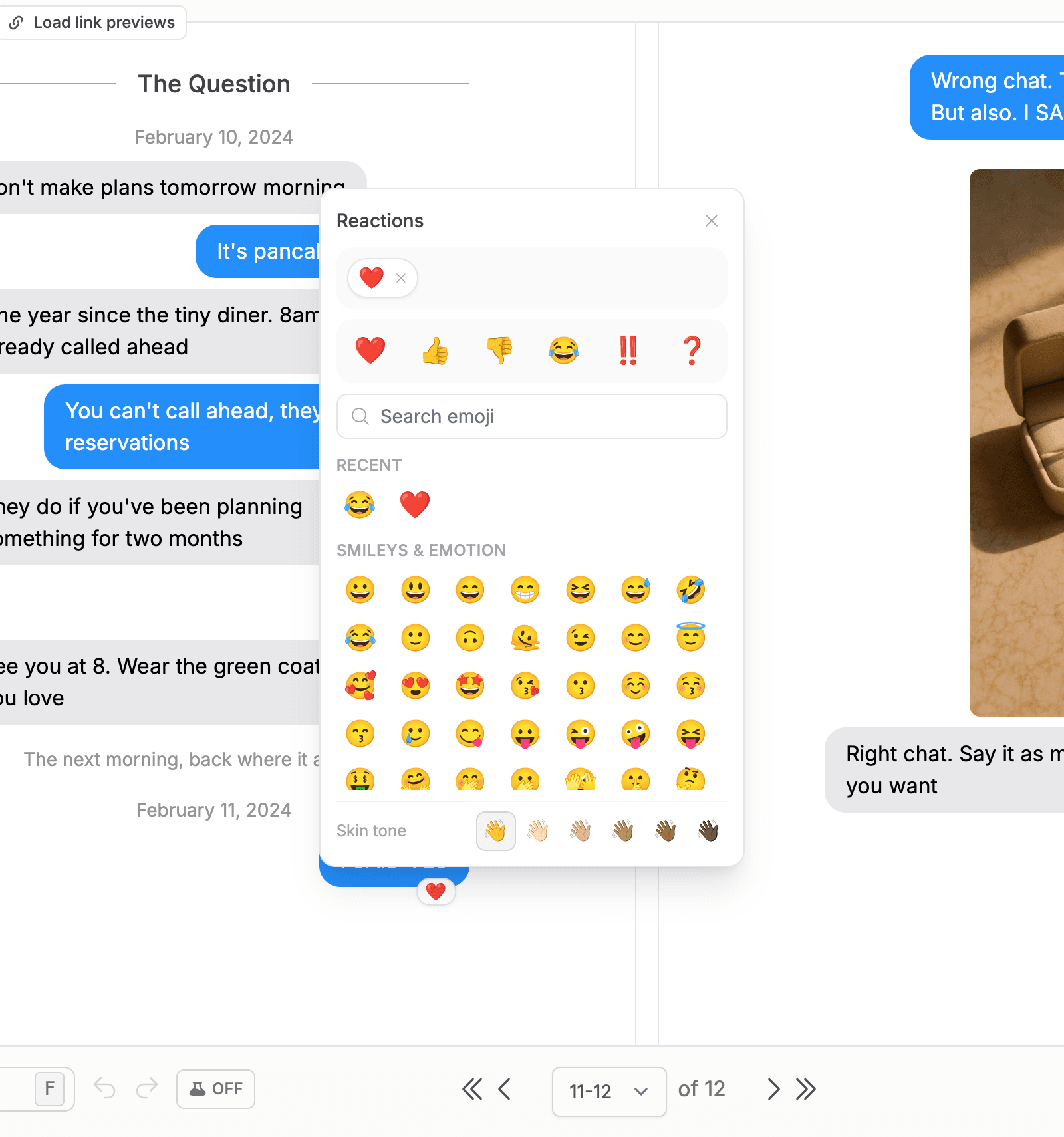
Click it to open the reaction picker. The classic reactions are right there, and you can search the full emoji set.
- 3
Click an emoji to add it. Add the same one again for a second copy, the way group chats pile on hearts.
- 4
To remove reactions, click the existing reaction pill on the bubble and remove one or all of an emoji.