How do I use a cover template?
- 1
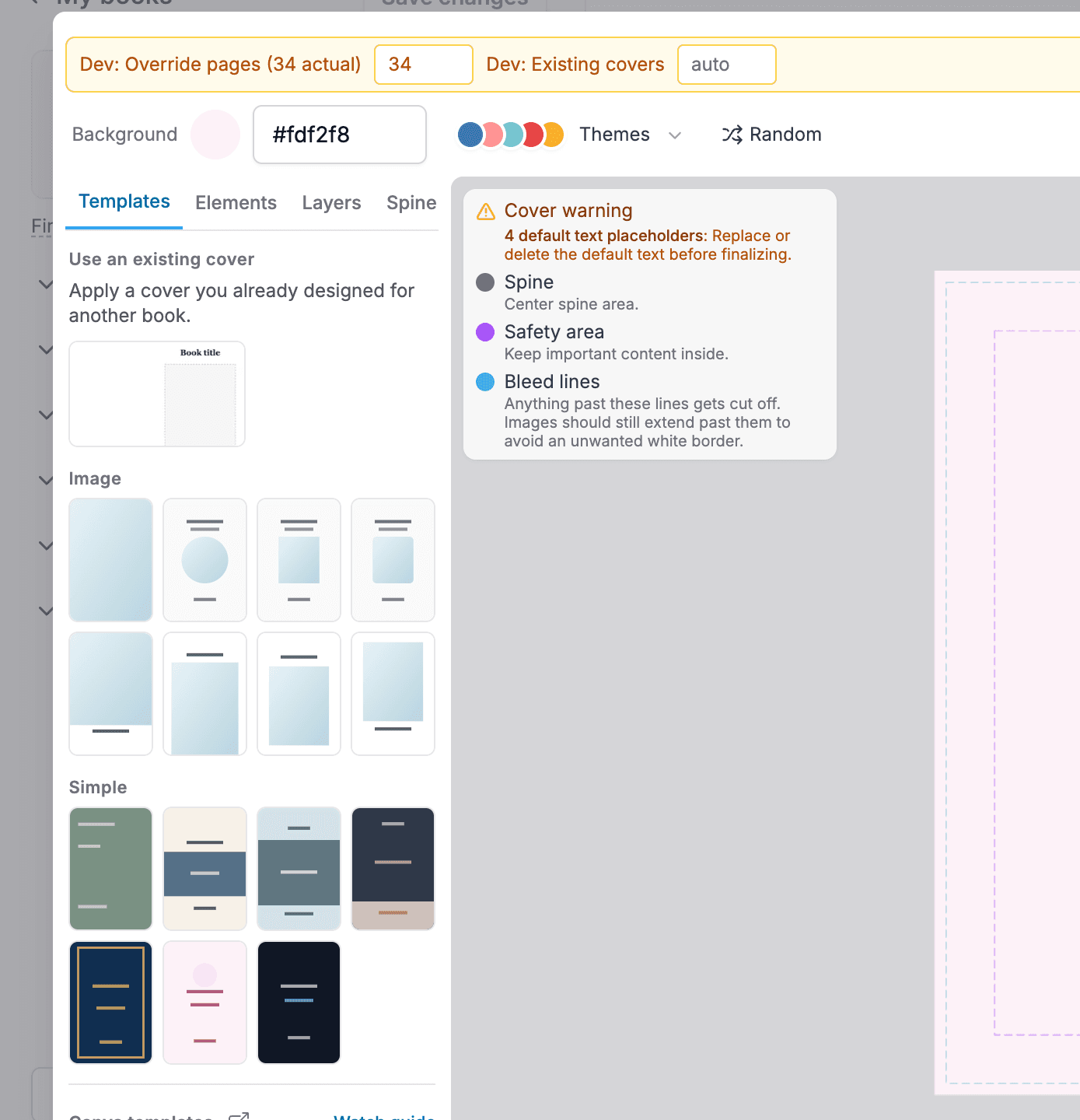
Open the "Templates" tab in the cover designer sidebar.
- 2
Click a template to apply it. Your title and author text carry over automatically.
- 3
Everything in a template stays editable. Move the title, swap the photo, change the colors. It is a starting point, not a cage.
Made a book before? "Use an existing cover" at the top of the Templates tab applies a cover you already designed for another book.