What are narrations, and how do I add one?
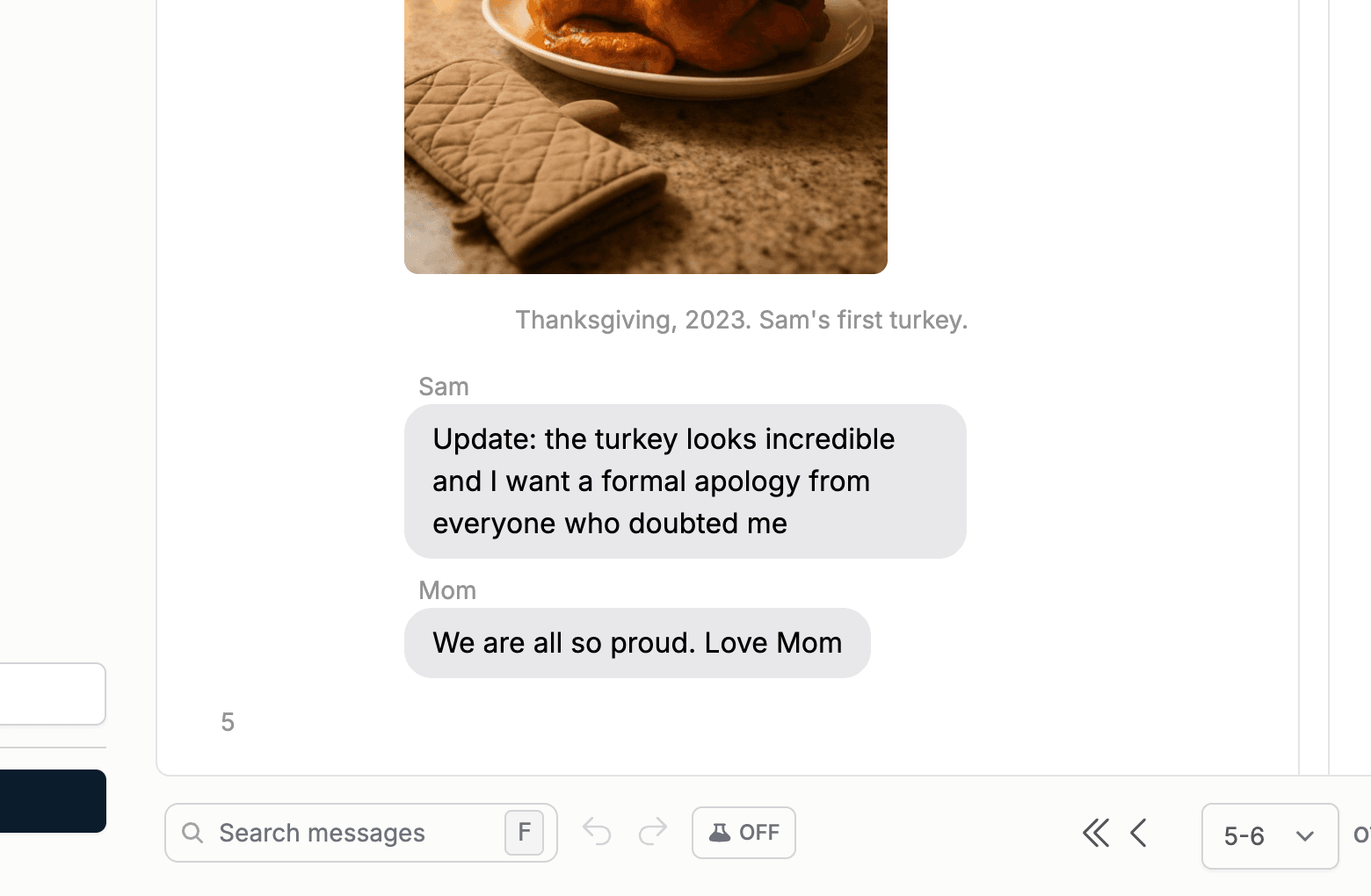
A narration is text in your own words between messages. It prints without a bubble, like a narrator speaking, and it is perfect for context: "This was the week we moved", or "She sent this from the hospital waiting room".
- 1
Hover the message where the narration should go and click an insert arrow.
- 2
Under "Book elements", choose "Narration".
- 3
Type your words and click the checkmark to confirm.