How do I add a full page of my own writing?
A custom page is a full page you write yourself. Customers use them for letters, introductions, recipes, and even whole documents pasted in from Word, Google Docs, or a notes app. We format it to match your book, and it prints as its own page.
- 1
Hover a message, click an insert arrow, and choose "Custom page" under "Book elements". You can also use "Add new message" at the top of the editor.
- 2
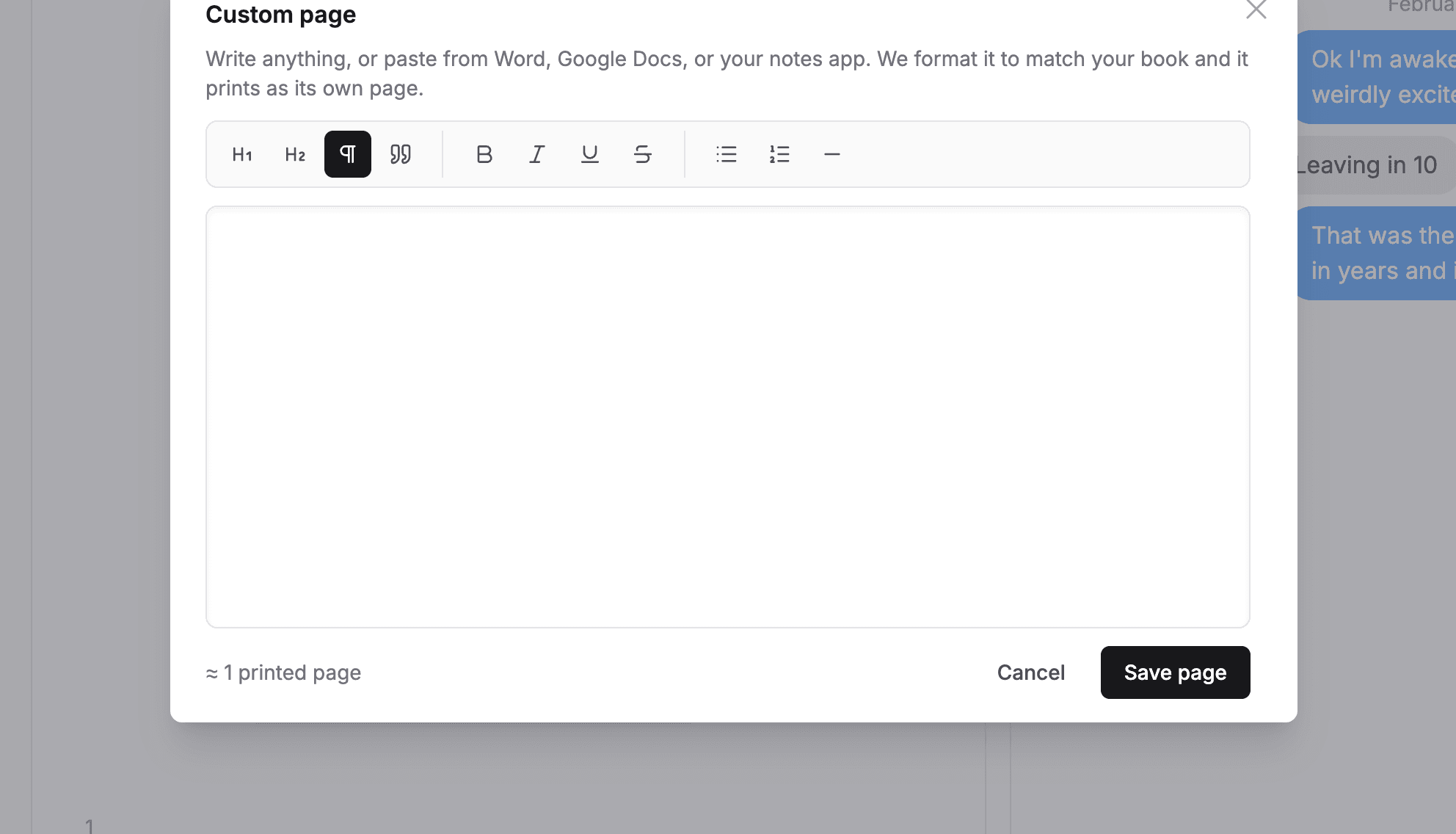
Write or paste your content. The toolbar has headings, bold, italic, lists, quotes, and dividers, and pasted formatting is kept.
- 3
Watch the estimate under the editor. It shows roughly how many printed pages your writing will take.
- 4
Click "Save page".