What can I do from My books?
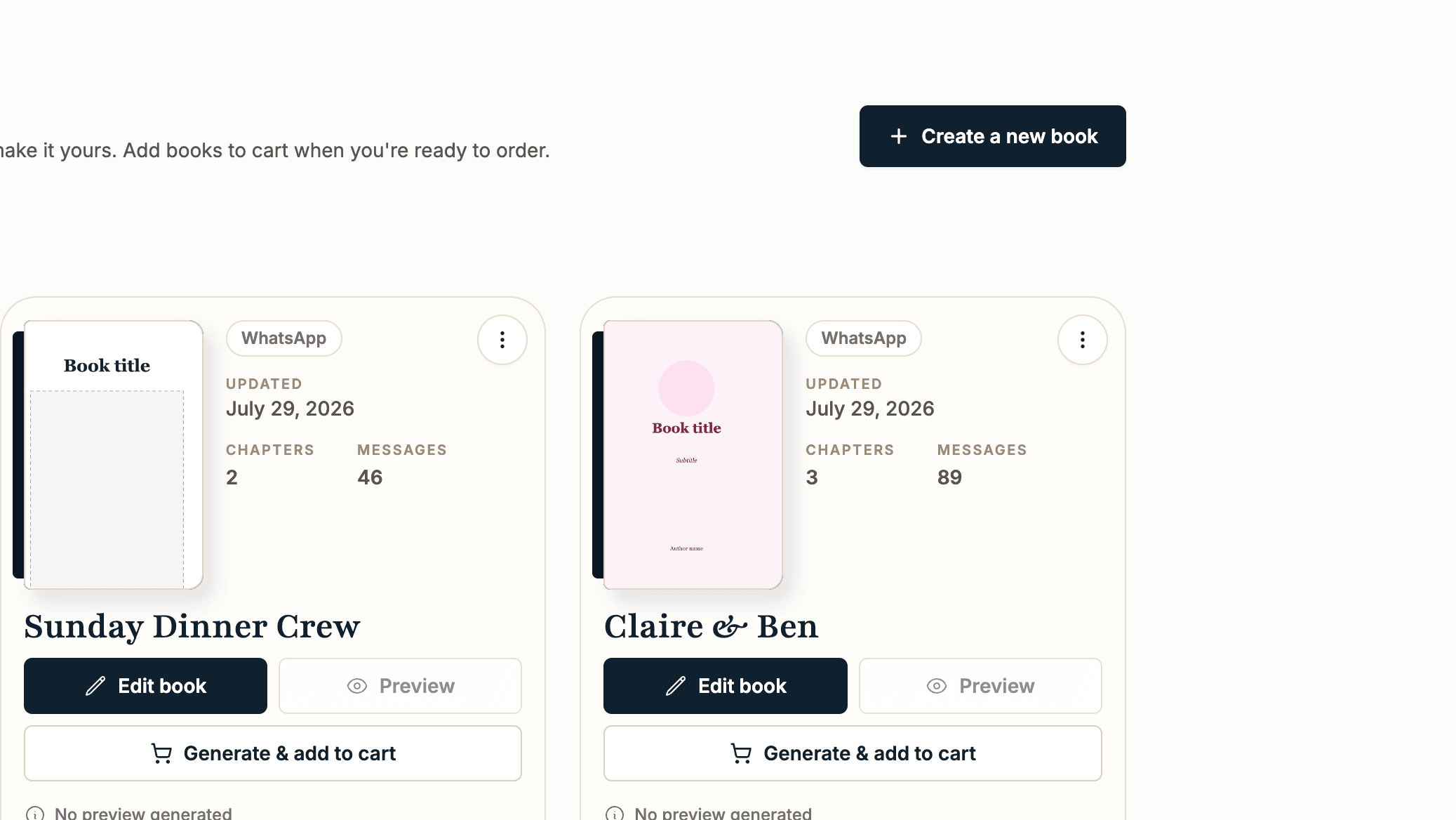
My books is home base. Every book you have started lives here as a card showing its cover, chapters, messages, and when you last touched it. There is no deadline on anything; drafts wait as long as you need.
- 1
"Edit book" opens the editor, and "Preview" shows the printed book once it has been generated.
- 2
The cart button on each card walks you to ordering: "Generate & add to cart" for a new book, or "Regenerate" versions when you have edited since the last preview.
- 3
Click a book’s title to rename it. The title is just for your library; your cover carries the printed title.
- 4
The three dot menu holds "Rename", "Duplicate", "Split", "Fill from another book", and "Delete".
- 5
The book credits panel at the top shows your available Classic and Forever credits, with a button to buy more.