How do I delete messages?
To delete a single message, hover over it and click "Delete message" in the toolbar.
To delete many at once:
- 1
Click directly on a message bubble to enter selection mode.
- 2
Click more bubbles to add them, or hold Shift and click to select a range.
- 3
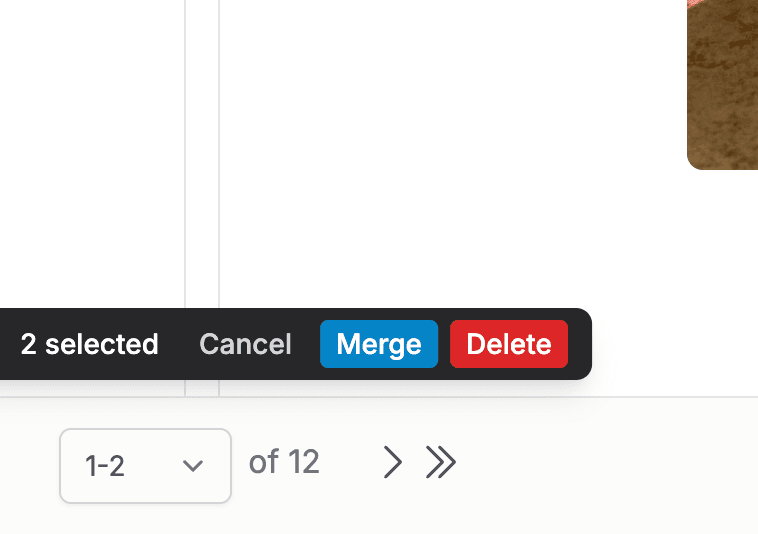
A bar appears at the bottom showing how many are selected, with "Delete", "Merge", and "Cancel".
- 4
Click "Delete" to remove them all, then "Save changes" to make it permanent.
Tip: Deletions are only permanent after you save. If you deleted the wrong thing, refresh the page before saving and everything comes back.