How do I order my finished book?
- 1
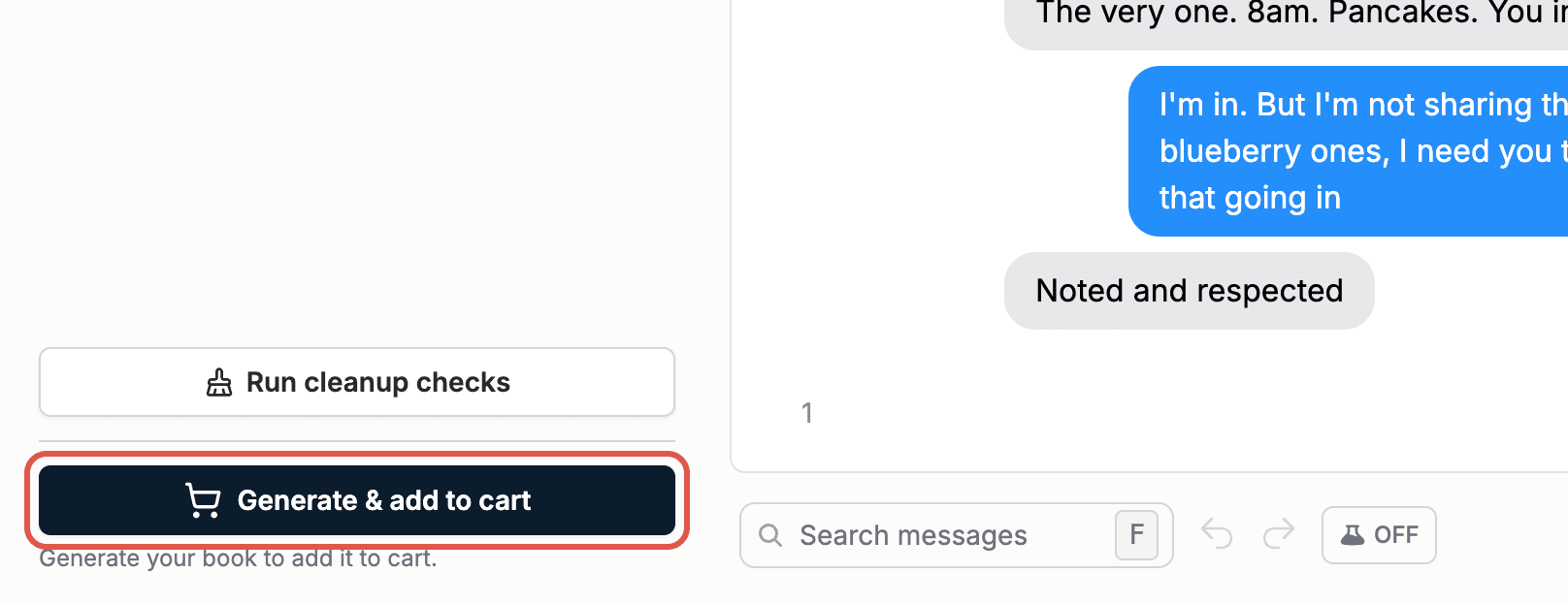
In the editor, click "Generate & add to cart". Your book needs three things first: saved changes, a cover, and a primary sender choice for each chapter. The editor tells you if anything is missing.
- 2
We may run content checks first, offering to clean up things like duplicate messages before printing. Apply the suggestions or proceed as is.
- 3
Generating builds the real print files and adds the book to your cart. Bigger books take a few minutes.
- 4
In your cart, choose your edition and options: binding, cover finish, paper, and quantity. Preview the book one last time, confirm it, and check out.
Tip: Edited the book after generating? The card will say so. Just regenerate and the cart preview catches up to your changes.