What does "Run cleanup checks" do?
Click "Run cleanup checks" at the bottom of the editor sidebar and we scan every message for five kinds of clutter:
- 1
Links: bare URLs that would print as long text strings.
- 2
Duplicates: the same message imported twice.
- 3
Cleanup messages: system noise like "You created this group".
- 4
Emoji rendering: emoji that could print incorrectly.
- 5
Voice recordings: recordings that could not finish processing, with the option to remove them before printing.
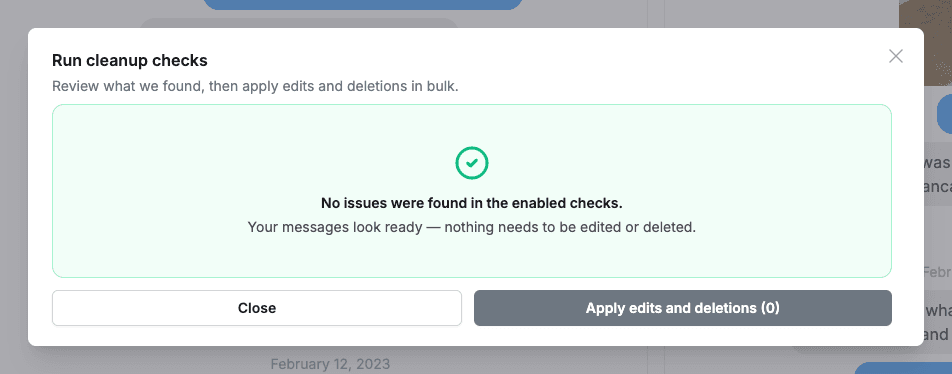
Review what we found, select what you want fixed, and apply the edits and deletions in bulk. The same checks also run automatically before generating, so nothing awkward sneaks into print.