How do I find a specific message?
- 1
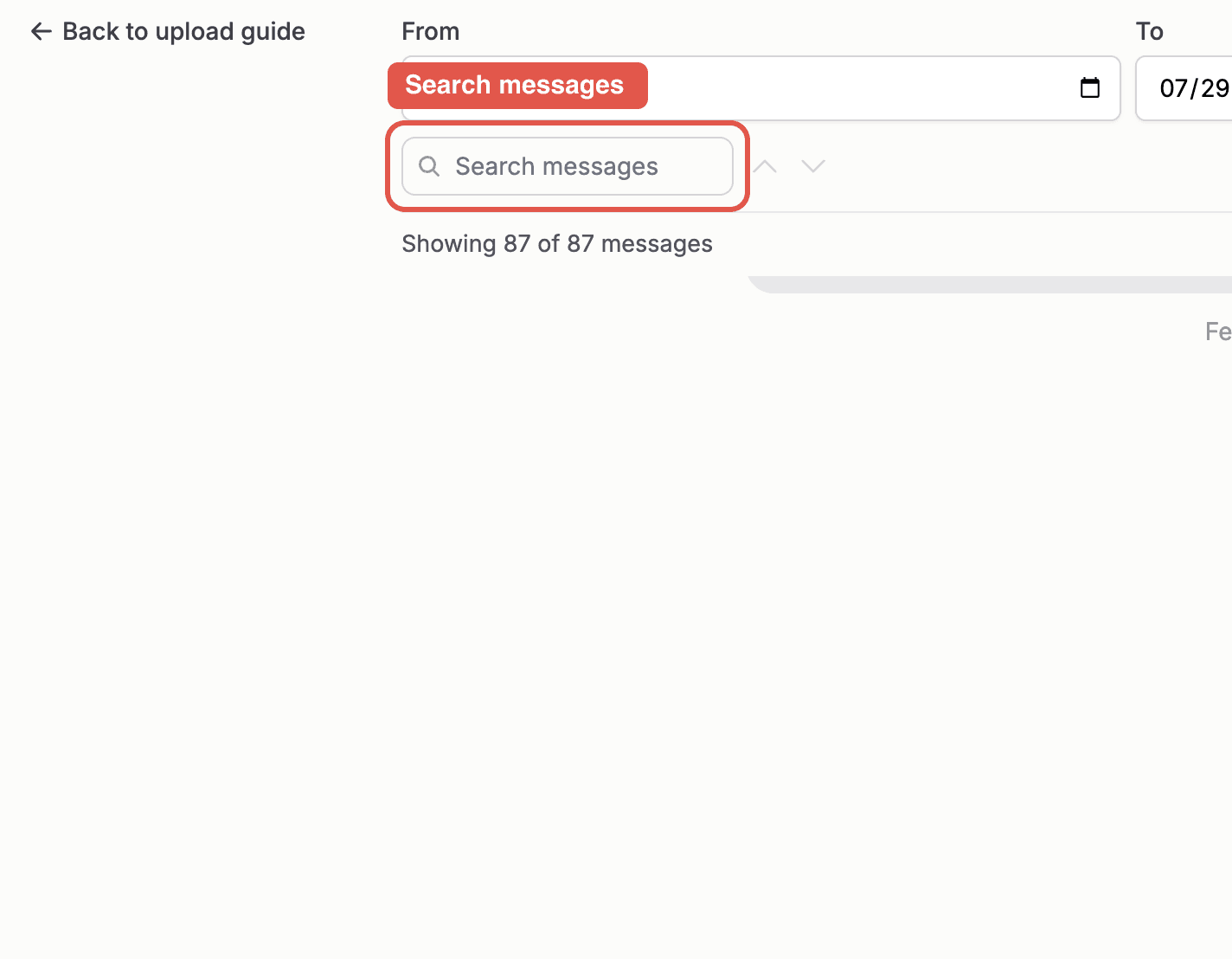
Click the "Search messages" box at the top of the message list.
- 2
Type a few characters. The counter shows how many matches were found.
- 3
Use the up and down arrows to jump between matches. Each match scrolls into view.
- 4
Click a found message to add it to your selection, and clear the search box to see all messages again.
Note: Search looks through message text, and it finds messages without selecting them. Click the ones you want to keep.