How do I include just one year, or a specific time period?
- 1
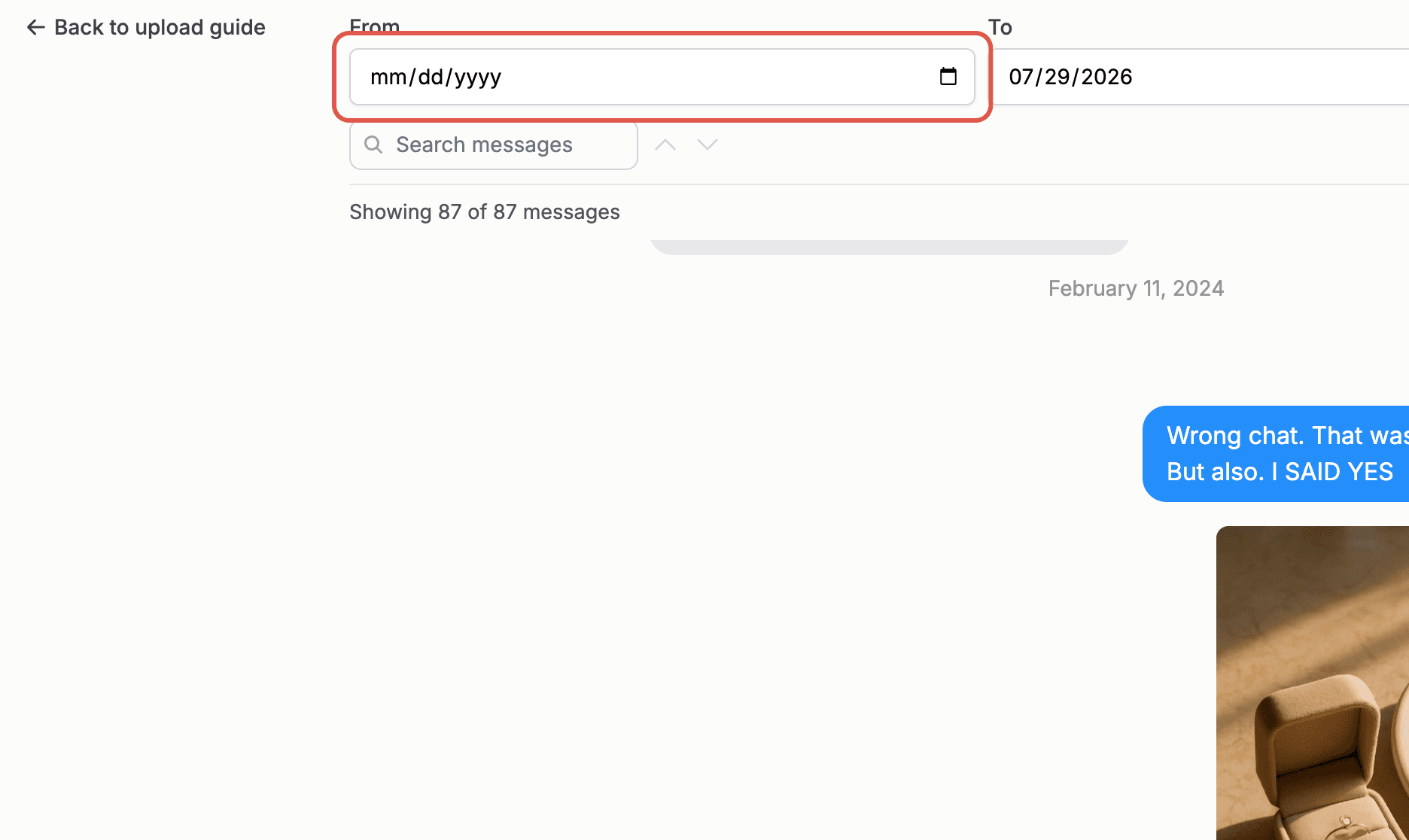
On the message selection screen, click the "From" field and choose your start date.
- 2
Click the "To" field and choose your end date.
- 3
Click "Filter". The message list updates to show only messages within your dates.
- 4
Select messages as usual, or open the "Select all" dropdown and choose "Select all filtered messages" to grab the whole window at once.
- 5
Click "Reset dates" to see the full conversation again. Your selections are kept.
Note: When a date filter is active, the "Select all" options only apply to the filtered messages, not the whole conversation. That makes it easy to build a book one year at a time.