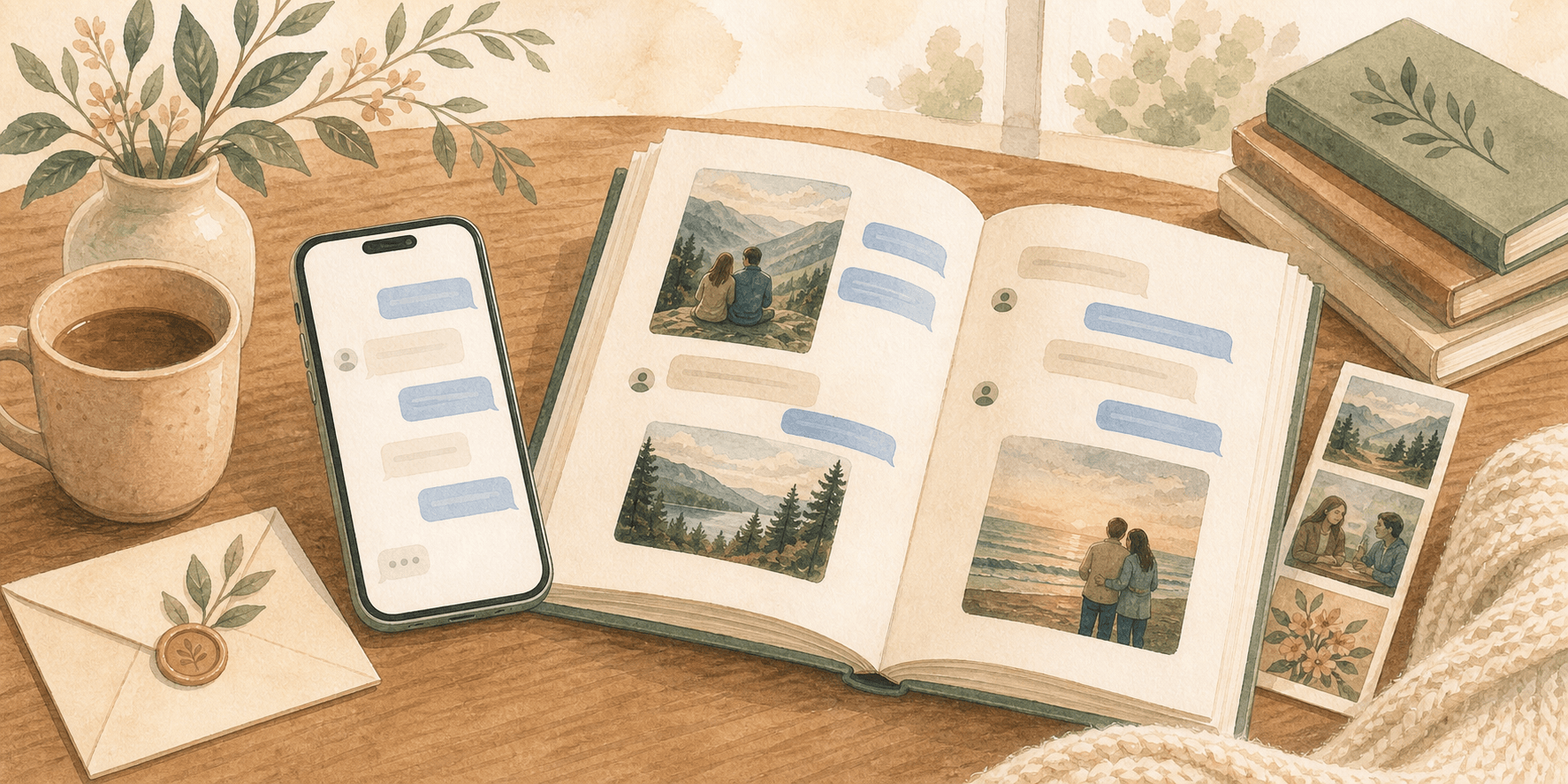
How to print iPhone text messages and turn them into a book
Learn how to print a text conversation from your iPhone, save your messages to a computer, and turn that history into a keepsake book.

Joshua Z
Founder, My Forever Books
On an iPhone, messages pile up for partners, family, group chats, and daily life. When you want those texts in print, it is usually because the thread matters too much to stay on one phone.
I had been looking for a solution to convert my messages into print form as a gift. After searching online, thinking I'd need to cut and paste, I discovered My Forever Books... after receiving my creation last night in printed form, I'm amazed at the super high quality of the finished product.
- Michael J., verified customer
Start your iPhone book (Your messages with loved ones. Printed. Protected. Forever.)
Table of contents
- Why print your iPhone messages?
- How to print your iPhone conversations
- How to save iPhone messages to your computer or PDF
- What makes the book work
- When people make these books
- FAQs
Why print your iPhone messages?
Your message history is easy to take for granted until it is gone. Printing starts to make sense when the conversation is bigger than a screenshot and more personal than a backup file.
- Memories that outlast a device. Upgrades and mistakes should not erase years of texts.
- A gift with real weight. Anniversaries, birthdays, holidays, and memorials all become more tangible in print.
- A readable archive. A book is much easier to revisit than screenshots, exports, or a giant PDF.
- Photos and media preserved with the words. Shared images, stickers, and screenshots belong with the conversation.
When the love of my life died, I was desperate to preserve our precious text messages. Forever Books made uploading thousands of messages and pictures so simple. The books turned out perfect and are some of my most cherished possessions.
- Kelley B., verified customer
If you already exported from your backup, you can continue into the book builder whenever you are ready.
How to print your iPhone conversations
1. Download the iMessage Exporter
We offer a free exporter that runs on your Mac or PC and pulls messages from your backup. Your data stays on your machine during export. After upload, you can edit the book and cover on your phone too.
2. Export conversations
Pick the conversations you want and export with photos and attachments included.
Good to know: You do not need to break up a long export first. There are no file limits, and if the chat is very long, we split it into neat volumes and label each one by the message dates.
3. Customize in our editor
Upload the export into My Forever Books. Then adjust layout, cover, and content:
- Multiple cover options with drag-and-drop controls
- Page-by-page preview before you order
- Multiple conversations as chapters in one book
4. Print and ship
Order when you are happy with the preview. Typical production and delivery is about 1 to 3 weeks depending on shipping.
Start creating your iPhone book
How to save iPhone messages to your computer or PDF
A lot of people start with a simpler problem: they want to save text messages from iPhone to computer, export text messages from iPhone, or turn a conversation into a PDF before anything gets lost. The export process in this guide already gives you the durable part of that workflow.
- Export the thread from your iPhone backup to your computer.
- Keep the raw export as your archive.
- Use the same export to create a cleaner printed version if you want something easier to reread or share.
If all you need is a digital record, stop at the export. If you want something much more readable than screenshots or a long PDF, continue into the book workflow.
What makes the book work
You do not have to fix the export by hand. We handle the parts that usually stall people:
- Works with the messages on your iPhone. If you can read it in Messages, we can help you export it.
- Photos and media. Emojis, screenshots, and shared images can carry into print.
- Privacy. Export locally first; uploads for printing use encryption.
- Long chats are fine. We can handle full chat histories and organize them into neat volumes when needed.
- Group chats. Everyone in the thread can appear as in the original chat.
Ready to see your thread as a layout? Open your iPhone book project.
When people make these books
People print iPhone books for:
- Anniversaries and weddings
- Family memory books
- Graduation gifts
- Birthday surprises
- Memorial keepsakes
- Long-distance relationships
I decided to make this book for my girlfriend who had recently had all her iPhone messages deleted and was really upset about it. The book was very well made and made for an extremely special gift. Her reaction was priceless.
- Vincent R., verified customer