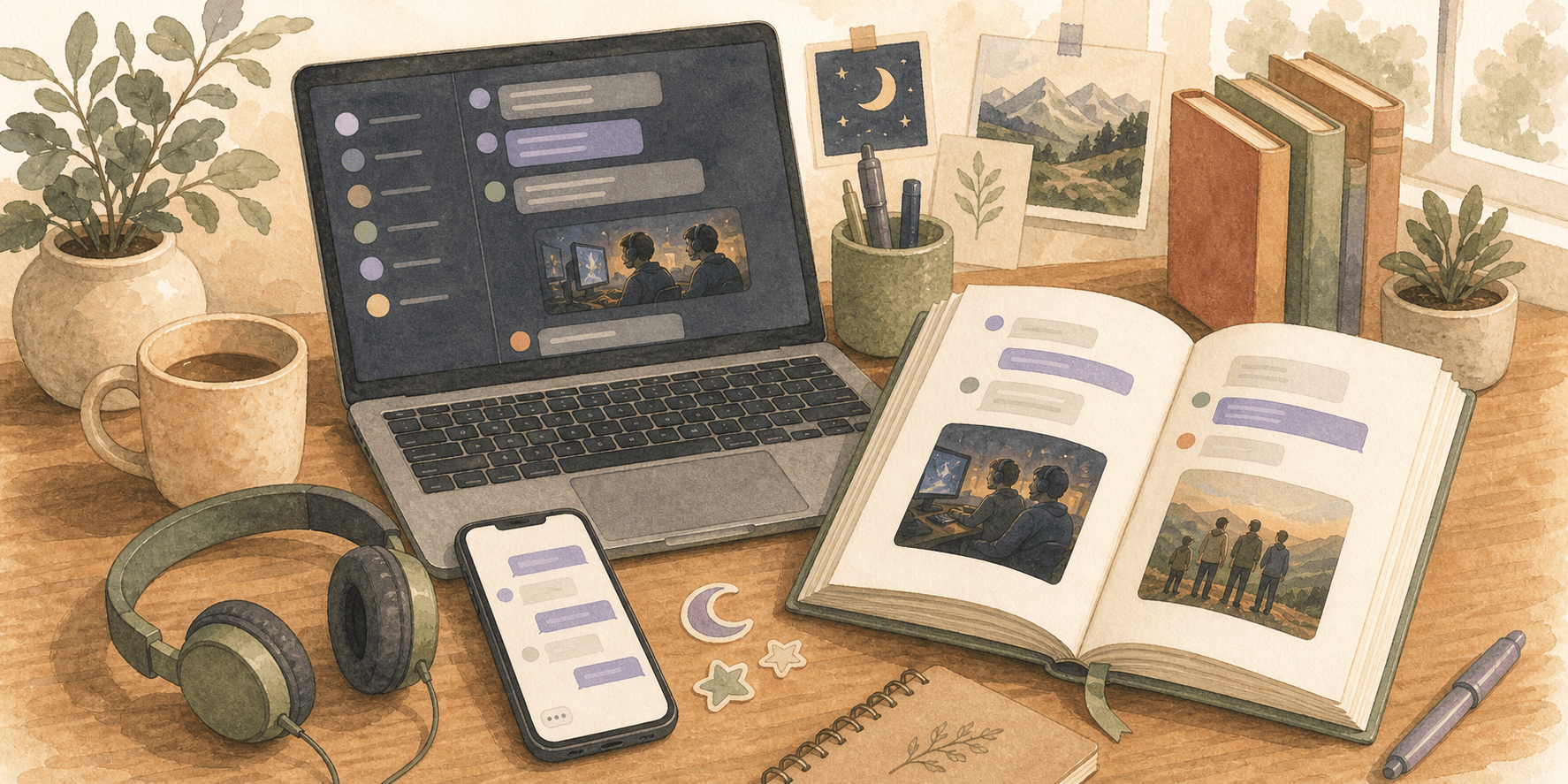
How to export Discord chat history and turn it into a book
Use a Discord chat exporter to save the messages you care about, then turn them into a book that is easier to revisit than a live server.

Joshua Z
Founder, My Forever Books
Discord often holds long friendships, communities, and projects. If you want to export chat history, you are saving the slice you care about in a file you can open later, not only in the app.
If you already exported the JSON, you can start your Discord book now. If not, the steps below walk you through the export first.
Table of contents
- Why export Discord chat history?
- What you need before exporting
- Step-by-step guide
- Tips for a better Discord book
- FAQs
Why export Discord chat history?
Discord runs fast. Channels scroll, servers change, and good threads are easy to lose. Exporting saves the piece you want before it fades in search.
- Discord often holds friendships, community milestones, and collaborative history that never exists anywhere else.
- Exporting a channel lets you preserve an actual slice of conversation instead of relying on endless scrolling and search.
- A printed book is easier to revisit than a live server that keeps changing over time.
When you are ready to move from export to print, you can start your Discord book in the same editor our customers use for every platform.
What you need before exporting
The most practical route is to use Discrub as your Discord chat exporter. It lets you pick the server and channel you want, then save the messages in a format that works with our uploader.
- A desktop browser where you can install the Discrub extension.
- Access to the Discord server and channel you want to preserve.
Step-by-step guide
Once you have picked the right server and channel, the export itself is pretty simple. The main thing is saving the conversation in a format that still makes sense after it leaves Discord.
- Install the Discrub extension for Chrome or Firefox.
- Log into Discord in your browser.
- Click the Discrub icon in the top right of Discord.
- When Discrub asks which version to use, pick Discrub Classic so the steps below and the video are easy to follow along with.
- Select the server and channel you want to preserve.
- Open Advanced Filtering if you want to limit the export to a date range.
- Click Search and wait for the message scan to finish.
- Choose Export Messages.
- Under Download Media, enable both image options under Discord and Embed if media matters.
- Export the results as JSON.
- Upload the finished .zip to My Forever Books. Discrub 2.0 exports are supported too if you already chose that version.
Discord export starts in a desktop browser. After upload, you can edit the book and cover on your phone too.
If the conversation is especially active, that is fine. There are no file limits, and we split long conversations into neat volumes with the message dates on each project so everything stays organized.
Tips for a better Discord book
You do not need to squeeze the conversation into a tiny export just because the channel moves fast. What matters more is choosing the stretch of messages you actually want to keep.
- Export one channel or one clear slice of the conversation when that matches what you want the book to hold.
- Date filters can help if you want the book to focus on one season, trip, or chapter.
- Keep media enabled only when the images actually add context.
JSON on your computer is only half the story. When you want the thread in your hands, upload it and build your book.